

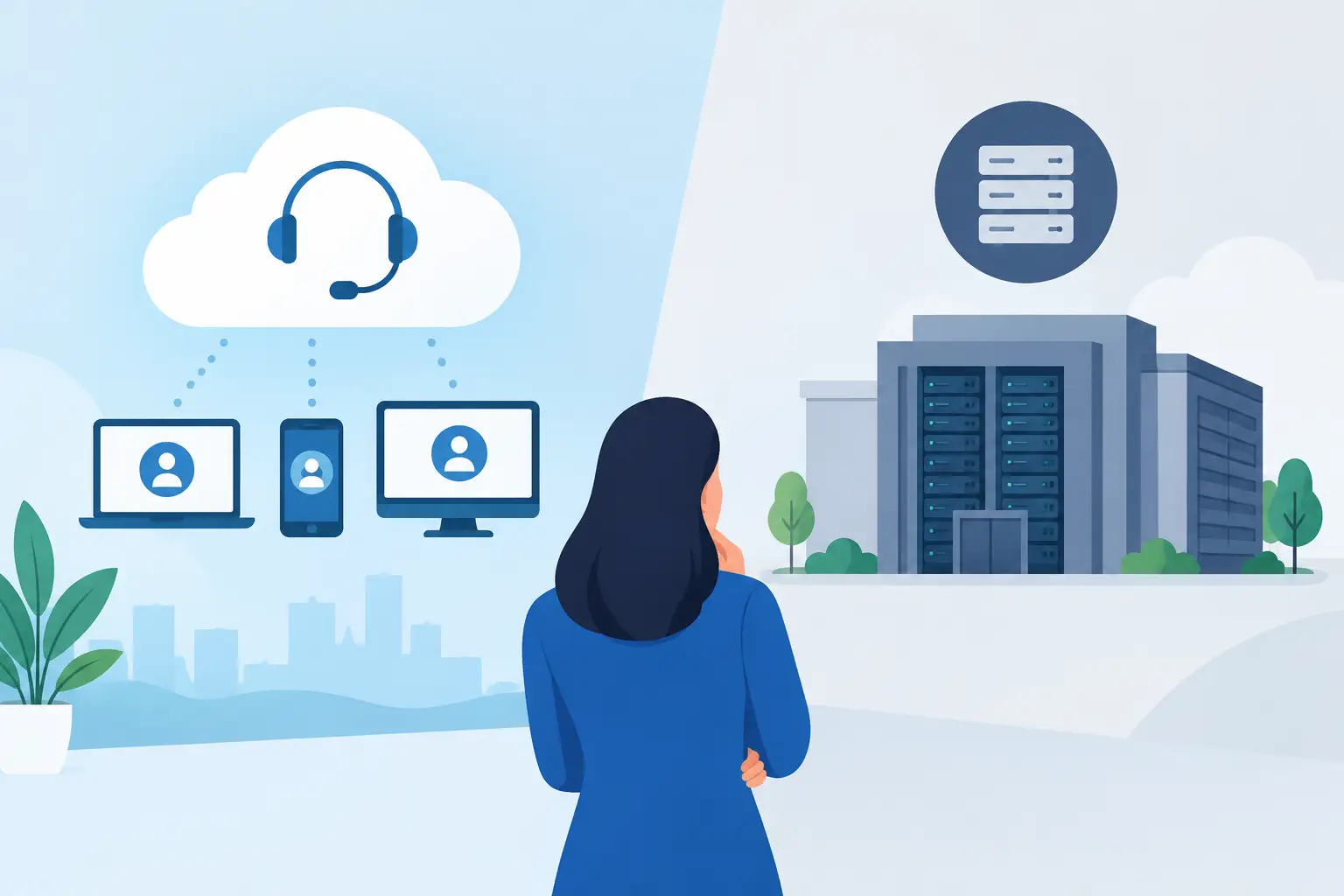
A contact centre decision rarely starts with technology. It starts when customers are waiting too long, advisers cannot see the information they need, or a simple change to a call queue becomes an IT project. The question of CCaaS vs on premise matters because it affects how quickly your business can respond, how predictable your costs are and how easy it is for people to deliver a good customer experience.
For many UK businesses, the old on-premise PBX and contact centre model once made perfect sense. Equipment sat in the building, calls stayed on familiar infrastructure and the organisation retained direct control. But customer service teams are no longer always in one building, and business growth does not always follow a neat, predictable line. Cloud contact centre technology has changed what is practical for SMEs and mid-sized organisations.
The right choice is not automatically the newest option. It is the one that gives your team the capability, resilience and support it needs without creating unnecessary cost or complexity.
What does CCaaS mean?
CCaaS stands for Contact Centre as a Service. It is a cloud-based contact centre platform delivered on a subscription basis. Rather than buying, housing and maintaining the core infrastructure yourself, you access the service over an internet connection and manage it through a browser-based administration portal.
A CCaaS platform can bring voice, email, webchat, messaging, reporting, call recording and customer routing into one environment. Your advisers can work from the office, at home or across several sites, while supervisors retain visibility of queues, service levels and performance.
The point is not simply to move calls into the cloud. It is to make customer contact easier to manage as your business changes. Adding users, opening a new queue or adjusting call flows should support the operation, rather than hold it back.
What is an on-premise contact centre?
An on-premise contact centre runs on hardware and software owned by your organisation, typically located at your premises or in a private data centre. Your business is responsible for buying the equipment, maintaining it, applying updates and planning capacity.
This approach can provide a high degree of direct control. It may also suit organisations with very specific integration requirements, established internal telecoms expertise or policies that require systems to remain within a tightly controlled environment.
However, ownership comes with responsibility. Hardware reaches end of life, software licences need renewing and resilience often requires duplicate equipment or a second site. Changes that seem modest from a customer service perspective can need specialist resource, testing and downtime planning behind the scenes.
CCaaS vs on premise: the differences that matter
The clearest difference is where the technology sits, but that is only the start. The more useful comparison is how each model affects cost, flexibility, control and the day-to-day experience of your customers and teams.
Upfront investment versus monthly cost control
On-premise systems usually involve significant capital expenditure. You may need servers, session border controllers, contact centre licences, handsets, installation and ongoing support arrangements before the first customer call is answered. That can work for businesses with available capital and stable, long-term requirements.
CCaaS generally shifts spending towards a predictable monthly subscription. This can make budgeting easier, particularly when headcount rises and falls through the year. You pay for the users and features required now, rather than buying capacity for a future you hope to reach.
Cloud does not mean cost disappears. You still need to assess subscription levels, connectivity, implementation, optional features and support. The advantage is visibility and flexibility, not a promise that every cloud platform will always be cheaper. A proper comparison looks at total cost over several years, including upgrades, internal administration and business disruption.
Flexibility for hybrid teams
An on-premise platform was designed around a physical location. Remote access can be added, but it may require additional configuration, security controls and network planning. If your customer service operation needs to switch quickly between office-based, home-based and blended working, that can become restrictive.
CCaaS is built for distributed teams. Advisers can securely access the same queues and tools wherever they are working, provided they have suitable connectivity and a managed device. This gives operations leaders more options when recruiting, managing unexpected disruption or supporting a new site.
Flexibility also applies to the customer journey. Cloud platforms make it easier to introduce channels beyond the phone when they are genuinely useful. A business might begin with voice and email, then add webchat during busy periods or route simple queries through self-service. The aim should be choice without fragmenting the customer experience.
Control, customisation and integration
On-premise systems can offer deep control, especially where an organisation has invested heavily in bespoke workflows or specialist applications. For some businesses, that level of customisation is necessary. If your contact centre is tied to complex operational processes, moving it may need careful phased planning rather than a quick replacement project.
CCaaS platforms also support integrations with CRM, helpdesk and workforce tools, but the approach is different. You work within the provider’s platform and available connectors or APIs. This is often more than enough for a growing business, and it avoids the burden of maintaining heavily customised infrastructure. Yet it is worth testing essential workflows before committing, particularly screen pops, customer records, reporting and call recording retention.
Control is not only about owning hardware. It is about having the information and administrative access needed to run the service well. Ask who can change call flows, view reporting, manage users and obtain support when something needs attention.
Resilience and security
With an on-premise contact centre, resilience depends largely on what you build and fund. A power issue, local network outage or damaged connection can affect service unless you have failover plans, redundant equipment and alternative routing in place. Those measures are valuable, but they require ongoing investment and testing.
A well-designed CCaaS service can provide geographic resilience and fast rerouting, helping teams continue to take calls from another location when a site has a problem. That said, cloud services rely on your internet connectivity, local network and endpoint setup. Resilience needs to cover the full journey, not just the platform.
Security should be assessed with the same care in either model. Consider identity management, permissions, encryption, call recording access, data retention and the provider’s approach to monitoring and incident response. For organisations handling payment information or sensitive personal data, compliance requirements should shape the design from the outset.
Updates and innovation
An on-premise system may remain stable for years, but stability can gradually become stagnation. Major upgrades are often projects involving licences, compatibility checks and operational risk. As a result, useful capabilities such as improved analytics, AI-assisted quality management or new digital channels may be delayed.
CCaaS providers can introduce improvements regularly, allowing businesses to adopt new functionality without replacing on-site equipment. That does not mean every new feature should be switched on. The best approach is to start with a clear service objective, such as reducing abandoned calls or giving supervisors better visibility, then use technology that supports it.
When on-premise may still be the better fit
Cloud is not a compulsory answer. An on-premise system may remain appropriate if you have a substantial recent investment, a dedicated technical team, highly specialised requirements or regulatory constraints that make a hosted approach unsuitable.
It can also be sensible to keep an existing platform temporarily while you plan a wider communications change. Replacing a contact centre touches customer journeys, staff training, connectivity and business continuity. Rushing a migration simply to follow a trend can create more risk than value.
The key is to distinguish between a system that is genuinely meeting your needs and one that is being retained because replacing it feels difficult. Frequent faults, limited reporting, expensive maintenance, poor remote-working support and slow changes are all signs that the status quo deserves a closer look.
How to make the decision with confidence
Start with your operational reality rather than a feature checklist. Look at where your people work, how customers prefer to contact you, what causes friction today and what growth or seasonal changes you expect over the next two to three years.
Then map the full cost of each option. Include infrastructure, licences, support, connectivity, upgrades, internal time and the potential cost of downtime. A lower monthly figure is not automatically better if it limits critical functionality, just as owned equipment is not automatically better value if it needs a costly refresh.
Finally, involve the people who use the system. Customer service leaders understand queue pressures and customer expectations. IT teams understand integration, security and networks. Finance needs a clear view of commitment and lifecycle cost. When these perspectives are brought together early, the decision becomes more practical and less political.
For many businesses, CCaaS offers the right balance of agility, resilience and monthly cost control. For others, a phased move or a carefully maintained on-premise platform is the sensible route. Bulb Tech helps businesses make that call in plain English, with people dealing with people and a solution shaped around how the organisation actually works.
The useful next step is not to ask which model is winning the market. Ask what would make it easier for your customers to reach the right person, and for your team to help them well. Let that answer lead the technology choice.
