

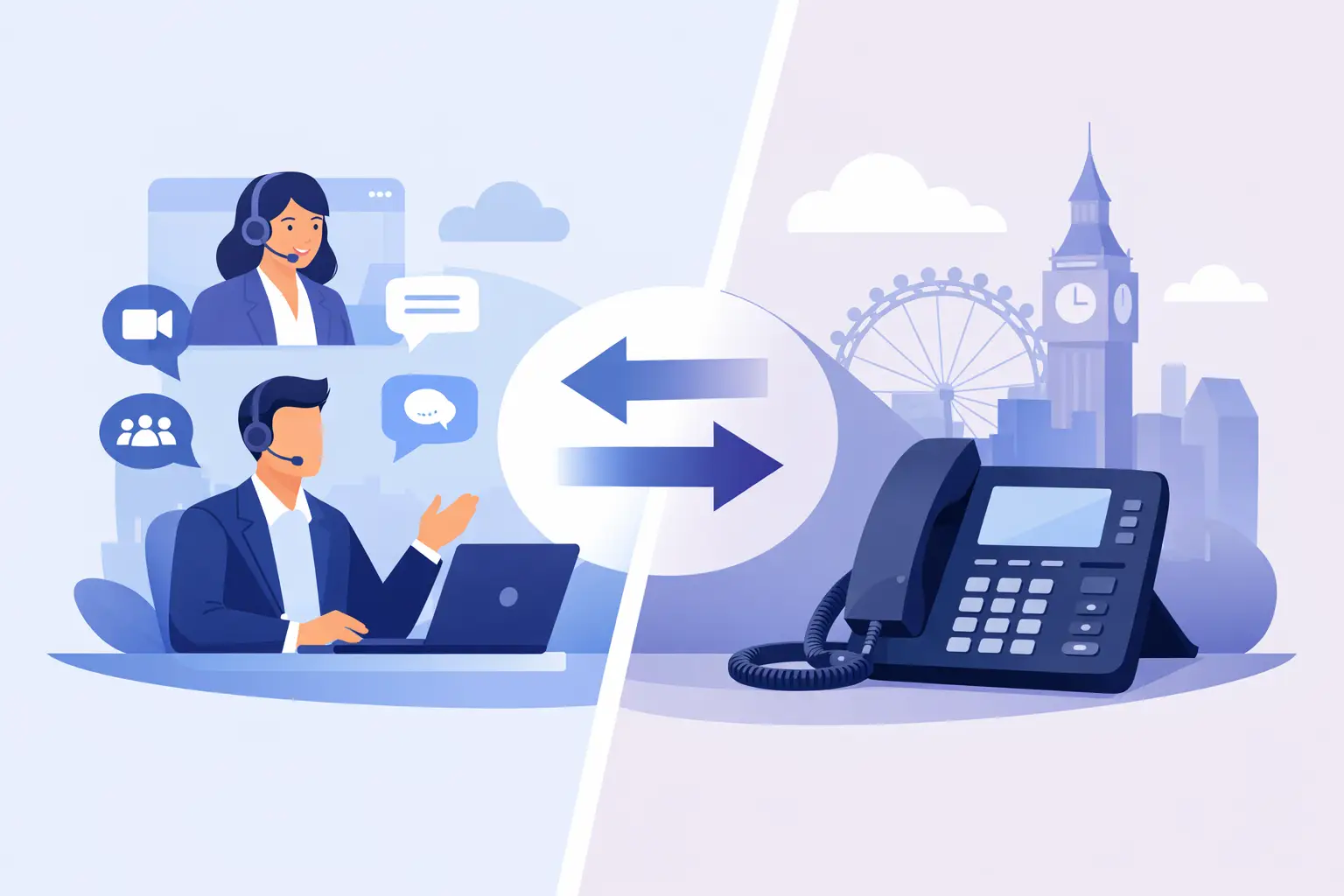
A customer rings the main number while a colleague is working from home, another is in the office and the receptionist is away from their desk. If the call reaches the right person quickly, the technology is doing its job. That is the real test behind the question, can Teams replace desk phones? For many UK businesses, it can – but only when Microsoft Teams is configured as a proper business calling platform, not simply used for internal chats and meetings.
Microsoft Teams can bring calling, messaging, meetings and presence into one familiar workspace. That can reduce the friction of switching between applications, make hybrid work easier and remove the cost and limitations of an ageing PBX. Yet replacing every physical handset is not automatically the right outcome. The best approach starts with how your people work and how customers need to reach you.
Can Teams Replace Desk Phones Completely?
Teams can replace desk phones for employees whose working day is primarily mobile, remote or computer-based. With Teams Phone connected to the public telephone network through Calling Plans, Operator Connect or Direct Routing, users can make and receive external calls using their existing business number. They can answer from a laptop, mobile app, Teams-certified headset or, where appropriate, a Teams desk phone.
This is a major shift from traditional telephony. A phone number is no longer tied to a single socket on a single desk. It follows the person, subject to the rules your organisation sets. A sales manager can take a customer call from home, transfer it to a colleague in another office and retain the same professional caller experience throughout.
For organisations with a distributed workforce, that flexibility is often the strongest case for change. New starters can be provisioned without waiting for an engineer to install a line. Employees can move desks or locations without disrupting their number. IT teams gain a clearer view of users, call policies and costs through a centrally managed platform.
But Teams is not a like-for-like replacement for every telephone setup. It needs the right voice configuration, number management, call routing and support around it. Treating it as a simple licence swap can create gaps in customer service, resilience or compliance.
Where Teams Phone Is a Strong Fit
Teams Phone is particularly effective for office-based professional services, sales teams, account managers, operational teams and businesses that have embraced hybrid working. These users are already likely to have Teams open during the day. Calling from the same application feels natural, and presence information helps colleagues see whether someone is available before transferring a customer.
It can also simplify multi-site communications. Rather than maintaining separate phone systems at each location, a business can bring numbers, call flows and users into one cloud-based environment. A central reception number can route calls by time of day, department, location or availability. That gives smaller teams the appearance and control of a more established operation without adding unnecessary hardware.
Cost control is another practical benefit. Traditional phone estates often include underused handsets, lines and maintenance arrangements that have built up over years. A well-designed Teams voice deployment makes it easier to match services to active users and understand monthly spend. That does not mean every Teams setup will be cheaper, but it does mean costs can be more transparent and easier to manage.
When Desk Phones Still Earn Their Place
A physical desk phone remains valuable when it makes a role easier, safer or more reliable. Reception desks are the obvious example. A visible handset with dedicated transfer, hold and speed-dial controls can be quicker to use when calls arrive constantly and visitors need attention at the same time.
Contact-heavy teams may also prefer handsets or specialist headsets. While Teams supports high-quality calling, a busy service desk has different needs from a colleague making occasional calls between meetings. Queue visibility, supervisor tools, call recording, reporting and customer relationship management integration may point to a contact centre solution alongside Teams rather than Teams alone.
There are practical considerations too. Shared spaces, warehouses, manufacturing sites, clinics, care settings and front-of-house areas do not always suit a laptop-and-headset model. Staff may not have a personal computer, may need a device that is always in a fixed place, or may need to make calls quickly during an incident.
For these roles, the choice is not between old phones and modern communications. Teams-certified handsets can provide a familiar physical device while keeping the user connected to the same cloud calling environment. A mixed estate is often the most sensible answer: softphone calling for mobile knowledge workers, desk phones where fixed devices improve service, and mobile integration for people on the move.
The Questions to Answer Before Replacing Phones
The technology decision should follow a business conversation. Before removing handsets or moving numbers, map the calls that matter most: customer enquiries, supplier queries, emergency calls, out-of-hours requests and internal escalations. Then assess whether Teams can support each journey as people actually work.
Four areas deserve particular attention:
- Call handling: Decide how main numbers, hunt groups, call queues, voicemail, overflow and out-of-hours routing should work. A missed call to a main number is not just a technical event – it may be missed revenue or a customer left without help.
- Connectivity and resilience: Cloud calling relies on a dependable network. Review broadband capacity, Wi-Fi coverage, quality of service and what happens during an internet outage. Mobile failover and carefully planned call diversion can protect availability.
- Emergency calling: Make sure 999 calling and location information are considered for every working location, including home workers where relevant. Responsibilities should be clear, and employees should know the process.
- Compliance and governance: If your organisation records calls, handles payment information or operates in a regulated sector, check recording policies, retention, access controls and reporting before migration.
The answers will shape the right service design. A business with straightforward calling needs may be well served by Teams Phone with a suitable calling option. A company with complex routing, existing SIP services, multiple sites or specialist integrations may benefit from Direct Routing and managed support. Neither route is inherently better. The right route is the one that fits your users, existing contracts, risk profile and growth plans.
The Migration Matters as Much as the Platform
Most avoidable problems happen during planning, not because Teams cannot make a call. Number porting needs to be timed carefully. Auto attendants and call queues need to be tested. Staff need to understand where to answer calls, how to transfer them and what to do if their internet connection fails.
A phased rollout is often less disruptive than a big-bang switch. Start with a group that represents typical working patterns, such as an internal department or a small office. Test real scenarios: incoming calls to the main number, outbound caller ID, transfers to mobile colleagues, voicemail access, reception coverage and calls outside normal hours. Use what you learn before moving customer-facing teams.
It is also worth reviewing the user experience honestly. A headset may be ideal for one person and uncomfortable for another. Some employees need training on Teams calling features; others only need a simple handset and a few reliable buttons. Adoption improves when people are given a choice that fits their role rather than being forced into a single model.
Make Teams Part of a Better Calling Experience
The value of Teams voice is not that it removes every desk phone. It is that it lets your business design calling around people, rather than around the building and the legacy system installed in it.
A good solution keeps customers easy to reach, gives staff the freedom to work productively from different locations and gives decision-makers confidence in service levels and monthly costs. That may mean replacing most handsets. It may mean retaining a small number at key points. It may also mean adding contact centre capability where customer conversations need more structure.
The key is to avoid making a technology decision in isolation. Start with the customer journey, the people answering the calls and the resilience your business needs. Then build the Teams calling setup around them. At Bulb Tech, we believe communications work best when they stay human: people dealing with people, supported by technology that simply makes the conversation easier. If you are weighing up a move from legacy phones, let’s talk through what the right mix could look like for your business.
